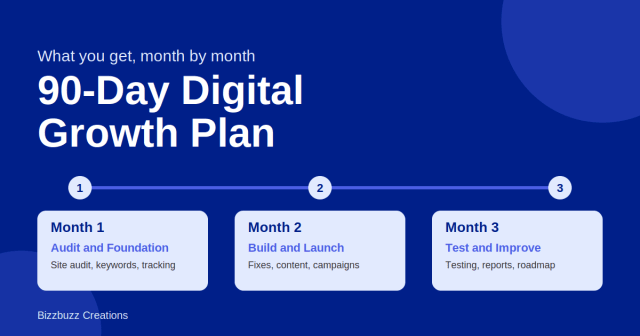
Oct 28, 2026 · Mohd Shaquib
What You Get in Our 90-Day Digital Growth Plan, Month by Month
Wondering what happens in 90 days of digital marketing? See our month-by-month plan, from audits and fixes to content, testing, and a clear roadmap…

12 min read
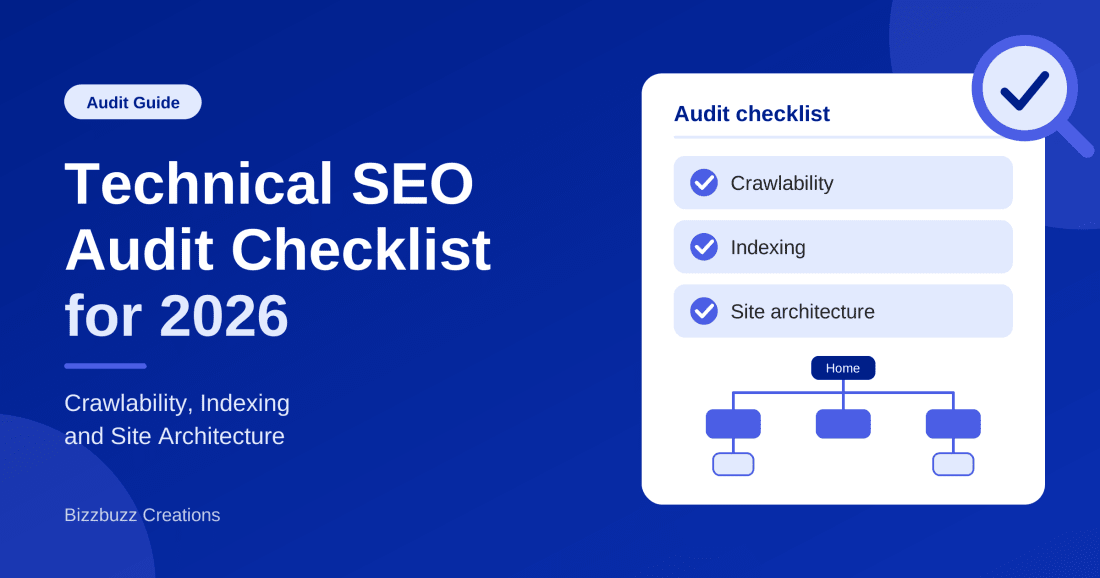
You can write great content and still get no traffic. The reason is often hidden in the code, the settings, or the structure of your site. If a search engine cannot reach a page, cannot store it, or cannot tell where it fits, that page will not rank. No amount of keywords will fix that.
A technical SEO audit finds those hidden problems. This checklist walks you through the three areas that matter most: crawlability, indexing, and site architecture. Each section tells you what to check, why it matters, and what a good result looks like. You do not need to be a developer to follow it.
A technical SEO audit is a full check of the parts of your website that affect how search engines find, read, and store your pages. It looks at settings, code, speed, links, and structure rather than the words on the page.
The first step in the process is web crawling, where automated bots follow links from page to page. After that, the search engine stores what it found through search engine indexing. Your audit checks that both steps work well for the pages you care about.
Websites change all the time. New plugins, redesigns, migrations, and team edits all create small errors. Over months, those errors pile up. A page gets a stray noindex tag. A redirect chain grows to four hops. A menu change leaves a whole section without links.
There is also a newer reason. AI search tools and answer engines depend on clean, reachable, well-organized pages. If your site is slow, blocked, or confusing, both search engines and AI systems have a harder time using your content. Technical health is the base that everything else sits on.
Follow the same order every time. It keeps the work organized and stops you from fixing minor issues before major ones.
You do not need a large budget. A few tools cover almost everything.
| Tool | Cost | Best Used For |
|---|---|---|
| Google Search Console | Free | Index status, crawl stats, sitemaps, and page experience |
| Site crawler (such as Screaming Frog) | Free and paid | Broken links, redirects, titles, and site depth |
| PageSpeed Insights | Free | Speed and Core Web Vitals checks |
| Server log files | Free, from your host | Seeing which pages bots really visit |
Crawlability means a bot can reach your pages and follow your links. If this layer is broken, the rest of the audit does not help.
The robots.txt file sits at the root of your site and tells bots which areas they may visit. One wrong line can hide your whole site. Google explains the rules in its robots.txt introduction.
An XML sitemap is a list of the pages you want search engines to find. Treat it as a clean list of your best URLs, not a dump of everything.
Every page returns a code that tells bots what happened. Your crawl report will show these in bulk.
| Status Code | Meaning | What to Do |
|---|---|---|
| 200 | Page loads normally | Nothing. This is the goal for key pages. |
| 301 | Permanent redirect | Use for moved pages. Avoid long chains. |
| 302 | Temporary redirect | Switch to 301 if the move is permanent. |
| 404 | Page not found | Redirect if the page has value or links. Otherwise leave it. |
| 410 | Page removed on purpose | Use for content you deleted for good. |
| 5xx | Server error | Fix at once. Bots may slow down on unstable sites. |
A redirect chain happens when page A sends to page B, which sends to page C. Each hop wastes time and can lose signals. Point the first URL straight to the final one. Also check for redirect loops, which trap bots and users.
Crawl budget is the number of pages a bot will crawl on your site in a set time. For most small sites, it is not a concern. It matters for large sites with many thousands of pages, such as big stores or publishers. If that is you, reduce waste by blocking endless filter pages, fixing duplicate URLs, and removing thin pages that add nothing.
If your site loads content with JavaScript, test whether bots can see it. Use the URL Inspection tool in Search Console and compare the rendered page to what users see. If key text, links, or products are missing, consider server-side rendering or another fix with your developer.
A page can be crawled and still not indexed. Indexing is where the search engine decides whether to store the page and show it in results. This is the layer that confuses people most, so here is a quick comparison.
| Factor | Crawling | Indexing |
|---|---|---|
| What happens | A bot visits and reads the page | The page is stored and made eligible to appear |
| Main controls | Robots.txt, links, sitemaps, server health | Noindex tags, canonicals, content quality |
| Common failure | Blocked or unreachable pages | Duplicate, thin, or tagged pages left out |
| Where to check | Crawl Stats report and server logs | Page indexing report in Search Console |
In Search Console, open the Page indexing report. It lists pages that are indexed and pages that are not, with a reason for each. Look closely at these common statuses:
A noindex tag tells search engines not to store a page. It is useful for thank-you pages, internal search results, and admin areas. It is a disaster on your main service pages. Crawl your site and filter for noindex. Staging settings are a common culprit, because a tag added during a redesign can stay live after launch.
A canonical tag tells search engines which version of a page is the main one. This matters when the same content lives at several URLs, such as versions with tracking parameters, with and without a trailing slash, or on both HTTP and HTTPS.
Duplicate pages split signals and waste crawl time. Thin pages give Google little reason to store them. Look for pages with near-identical text, empty category pages, tag archives with one post, and old test pages. Merge, improve, or remove them.
Structured data helps search engines understand what a page is about. Test your markup with Google's Rich Results Test and fix errors. Only mark up content that users can see on the page.
Site architecture is how your pages are organized and connected. Good architecture helps bots find pages quickly and helps users move through your site. It also shows which pages matter most.
Click depth is the number of clicks needed to reach a page from the home page. A good rule is to keep important pages within three to four clicks. Pages buried deep get less attention from bots and less authority from your own links.
| Click Depth | Example Page | Rating |
|---|---|---|
| 1 click | Main service or category page | Strong |
| 2 to 3 clicks | Sub-category or product page | Good |
| 4 clicks | Detailed guide or older post | Acceptable |
| 5 or more clicks | Buried pages | Needs work |
Internal links pass authority and show bots how your pages relate. Check that your top pages get links from several relevant pages, and use clear anchor text that describes the target. Skip vague labels like "click here."
An orphan page has no internal links pointing to it. Bots may only find it through a sitemap, if at all. Compare your crawl results with your sitemap and analytics to spot these pages, then link to them from related content or remove them.
Your main menu should link to your most important sections in plain HTML links. Breadcrumbs add another path and show a page's place in the hierarchy. They also help users who land deep in your site from search.
Picture a store that sells running gear. A weak structure puts every product in one long list with no categories. A strong structure looks like this:
This gives bots a clear path and tells them which pages are broad and which are specific.
These items are not the main focus, but they belong in every audit.
Technical trust and content trust go hand in hand. For the content side, read our guide on what E-E-A-T is in SEO and how to build authority.
A crawl can return hundreds of issues. Do not try to fix them all at once. Sort them by how much they affect crawling and indexing of your important pages.
| Priority | Examples | When to Fix |
|---|---|---|
| High | Site-wide blocks, wrong noindex tags, 5xx errors, broken canonicals | Right away |
| Medium | Redirect chains, orphan pages, duplicate content, weak internal links | Within 30 days |
| Low | Minor URL cleanups, small speed gains, extra schema | As time allows |
At Bizzbuzz Creations, we have spent more than three years running technical audits for businesses of different sizes. The pattern is steady. Most sites do not fail because of one big mistake. They struggle because of small leftovers: an old noindex tag, a long redirect chain, pages with no internal links, or a sitemap full of dead URLs.
The good news is that these problems are usually fixable once you can see them. Our process is simple: crawl, check Search Console, rank the issues, fix the biggest ones first, and recheck. If you want help, you can learn more on the Bizzbuzz Creations website.
Find the crawl, indexing, and site structure problems holding your pages back, and get a clear plan to fix them in the right order.
Technical work does not replace content, links, or brand building. It makes them count. Industry sites such as Search Engine Journal and Search Engine Land regularly cover how crawling and indexing rules change, so it pays to keep up with them.
To see how technical SEO sits next to content, local search, and paid channels, read our post on digital marketing in 2026 tips, strategies, and services.
A technical SEO audit is a check-up for your website. It tells you whether bots can reach your pages, whether the right pages are stored, and whether your structure makes sense. Work through the layers in order: crawlability first, indexing second, architecture third, and page experience last.
Start with Search Console and a full crawl this week. Fix the high-priority problems first, then move to the rest. Repeat the process every few months. A healthy technical base will not rank your site on its own, but without one, even your best content will struggle to be seen.
Mohd Shaquib is a digital marketing professional specializing in SEO, content marketing, and online brand growth. He focuses on improving website visibility, driving organic traffic, and helping businesses grow through effective digital marketing strategies.
Suggested for you
Oct 28, 2026 · Mohd Shaquib
Wondering what happens in 90 days of digital marketing? See our month-by-month plan, from audits and fixes to content, testing, and a clear roadmap…

Sep 28, 2026 · KHUSHI GUPTA
Reddit and Quora links are mostly nofollow, yet they still work. Learn why, how to test any link, and a simple 4-week plan.
Sep 21, 2026 · KHUSHI GUPTA
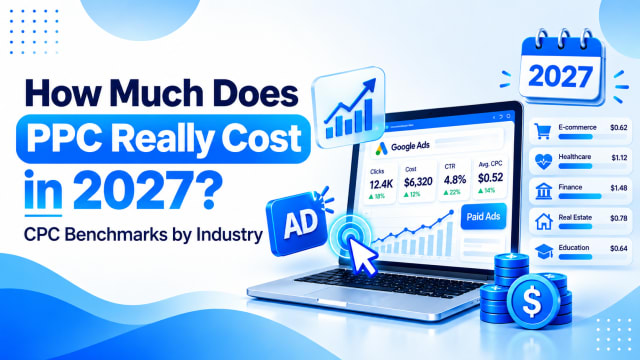
Ask five UK businesses what they pay per click and you'll get five different answers. Here's what PPC really costs in 2027, with CPC benchmarks by…