Nov 9, 2026 · Mohd Shaquib
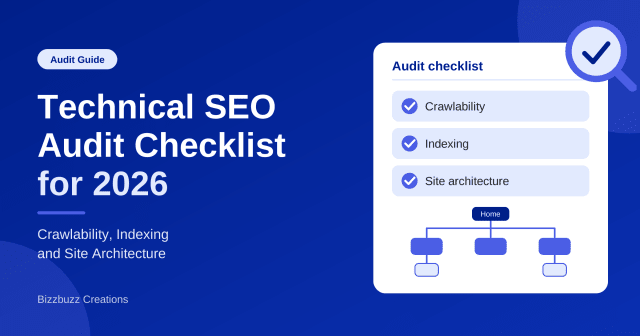
Technical SEO Audit Checklist for 2026: Step-by-Step Guide
Learn how to run a technical SEO audit in 2026. This simple checklist covers crawlability, indexing, and site architecture, with tools, tables, and…

7 min read
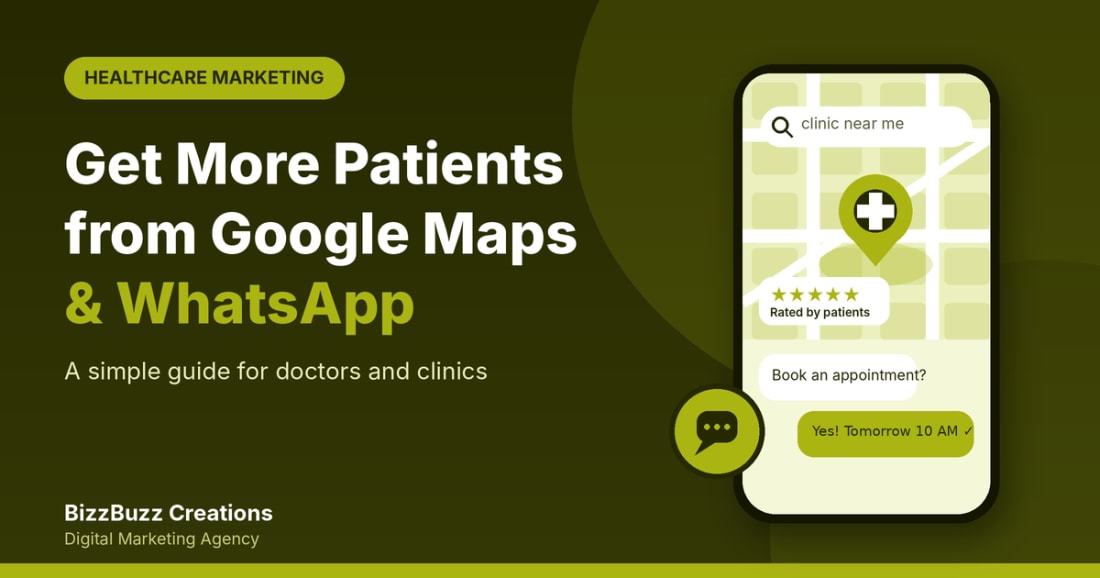
It is 9 p.m. and someone has a toothache. Another person is hunting for a paediatrician they can trust. Neither opens a directory. They pick up their phone, type "clinic near me", glance at the map, check the reviews and message whoever looks most reliable.
That journey runs on two tools: Google Maps and WhatsApp. Get both right and you turn local searches into booked appointments, without a huge budget and without taking time away from patients.
The simple formula: Discovery on Maps + conversation on WhatsApp = appointment at your clinic.
Choosing a doctor is local and built on trust. Patients ask three questions: Is it close? Can I trust it? Will they reply quickly? Maps answers the first two, and WhatsApp answers the third.
Puts your clinic in front of people already searching for care in your area, through your Google Business Profile.
Gives patients a familiar, low-effort way to ask a question, confirm timings or request an appointment.
Healthcare marketing is regulated more tightly than most industries. In India, medical council rules limit how doctors may advertise, so many clinics stick to factual information such as services, qualifications, timings and location. In the UK, General Medical Council guidance and the advertising codes enforced by the ASA apply.
Golden rule: no guaranteed outcomes, no exaggerated claims, no patient details without written consent. If you are unsure what your profession allows, check with your medical council or a legal adviser first.
Your Google Business Profile is the listing that appears on Maps and in local results. Claim it and complete Google's verification. Unverified profiles are limited and harder to manage.
Pick the most specific primary category, such as "Dentist," "Dermatologist" or "Paediatrician," and add secondary ones only if they truly apply. Then list each service, for example "root canal treatment," with a short, plain-language description.
Upload genuine photos of your reception, consultation room, equipment, signage and team (with their consent). Skip stock images, and never post patient photos without written consent.
Share your review link after visits, ask every patient, and reply to every review within a few days.
Pay for reviews, post fake ones, or only ask happy patients. Google prohibits all three.
Privacy tip: never confirm that a reviewer was your patient or mention treatment details in a reply. Try: "We are sorry to hear this. Please contact our clinic so we can look into it."
Use posts for seasonal health reminders, new services or changed timings, and keep the tone educational rather than salesy. Check your profile for patient questions and answer them clearly. Your website supports all of this too, so strong local SEO services (service pages, area mentions, consistent details) help your Maps ranking.
Set up a business profile with your name, address, hours and website, and keep patient chats separate from personal ones.
Add a click-to-chat link to your website and Google profile, with a pre-filled "I would like to book an appointment."
Prepare answers for timings, fees, location and booking, plus an away message for after-hours enquiries.
Use tags like "New enquiry," "Appointment confirmed" and "Follow-up due" so nothing slips through.
Speed wins appointments. A patient who messages three clinics often goes with the first to reply. Assign one person to monitor chats during opening hours.
Keep WhatsApp for logistics: booking, rescheduling, directions and reminders. Detailed diagnoses and test results belong in consultations or secure systems. Message patients only with consent and give them an easy way to opt out.
| Stage | What the patient does | What you need ready |
|---|---|---|
| Discover | Searches "clinic near me" | Verified profile with reviews and photos |
| Connect | Taps your website or WhatsApp link | Click-to-chat button and a fast reply |
| Book | Confirms a time slot | Clear process and confirmation message |
| Visit | Arrives at your clinic | Accurate pin, parking details, reminders |
| Return | Needs a follow-up or recommends you | Reminders and a polite review request |
Many clinics lose patients not because their marketing fails but because enquiries go unanswered. Marketing automation helps here: automated reminders and follow-ups keep conversations moving without extra work for your front desk.
Once Maps and WhatsApp are running smoothly, layer on more:
Keep it simple. Your Google Business Profile insights show how many people found you, called, asked for directions or visited your site. Count how many WhatsApp enquiries become appointments, and ask new patients how they found you. Review monthly and adjust. Often a few small fixes (correct hours, faster replies, more reviews) make a noticeable difference.
BizzBuzz Creations is a Google Partner and Clutch-verified digital marketing and BPO company with offices in Prayagraj, Kanpur and London. The team supports clinics and hospitals through digital marketing for healthcare, including SEO, ads, websites and social media. For faster patient response, Clio AI, its AI voice agent, can handle calls and book meetings, while Praxistence, its CRM, keeps leads and follow-ups organised. UK practices can explore the digital marketing services in the UK offered from the London office.
Get a free consultation and see where your clinic stands today.
Book a Free ConsultationSuggested for you
Nov 9, 2026 · Mohd Shaquib
Learn how to run a technical SEO audit in 2026. This simple checklist covers crawlability, indexing, and site architecture, with tools, tables, and…
Oct 28, 2026 · Mohd Shaquib
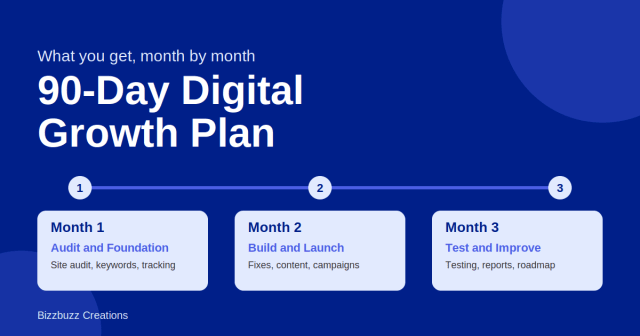
Wondering what happens in 90 days of digital marketing? See our month-by-month plan, from audits and fixes to content, testing, and a clear roadmap…
Sep 28, 2026 · KHUSHI GUPTA
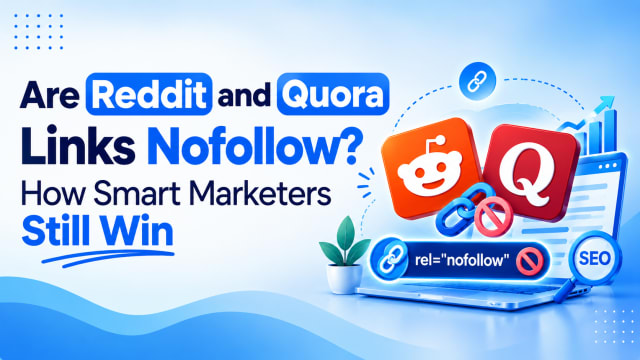
Reddit and Quora links are mostly nofollow, yet they still work. Learn why, how to test any link, and a simple 4-week plan.